1. Classic Album - similar to the album in the last post, there are lots of adjustable layers and elements to help you create a consistent album with all the clipping masks provided to line up your photos easily.
Doodle Album - This album also contains an adjustable background, similar to the adjustable 12x12 papers that are already for sale at Divine Digital. This means that you can alter your background to any colour that suits you!
I am not too fussed with some of the generic templates that print houses offer when printing albums for photography clients. I thought I would have a go at making something a little more arty.
This is not just a scrapbooking quick page pack . This pack contains 1 multi-layered psd file which enables you to make numerous album page combinations. There are 2 background paper options in neutral tones, and several folders of clipping mask and embellishment options. It is possible to create a 40 page album of different variations by manipulating which photo frames are turned on / off. It includes the instructions on modifying the file and several examples are shown of how it can be used for your scrap for hire or photography business.
It is a large file and you require reasonable understanding of photoshop and layers to use this file. It includes the license for photography studios or Scrap for Hire to manipulate the template to taste and provide their clients with flattened files or prints. This resources gives you the creative flexibility to make your album work for your photos. It is for 12 x 12 album in sRGB at 300 dpi but can be resized down to suit any square album. Pages shown are not provided as high resolution files, but are given as a low res file as an example. You are able to make these yourself.
This would make a great resource for your wedding clients who require albums printed.
A 1/4 inch bleed is allowed around the edge making the file 12.5 x 12.5 inches
I was fiddling around with a template and thought I might just put is up as a freebie.
It is a layered template that can be adjusted to any of the options below. There are limitless things you could do with the background. You do need to know your way around photoshop layers and masks to work it though!
And here is what I was playing around with to make it
This is a 10x20 inch photography storyboard template that I made for myself and have decided to give away as a freebie probably not so interesting to the scrappers that follow the blog.....but again a resource for my photographer friends.
It is a psd file with layers that allows you to change the background to suit the colour of your photos, add or subtract the pattern, and add or subtract a border around the photo. The clipping masks are also in a folder of single masks - but also grouped as one mask in case you want 1 photo over several openings like in my example ( you will of course need to make the single masks you are not using invisible or mask part of that folder off if that layer sits above your large photo)
Enjoy :)
and if you dont like the background you can change it to this!
Those of you who follow my blog will know that I have gone off on a bit of a photography tangent. I still do a bit of digital designing for scrapbooking........
.....but as a bit of a thankyou to some of my new photographer friends who never hesitate with good advice and help, here is a bit of a freebie template for you :)
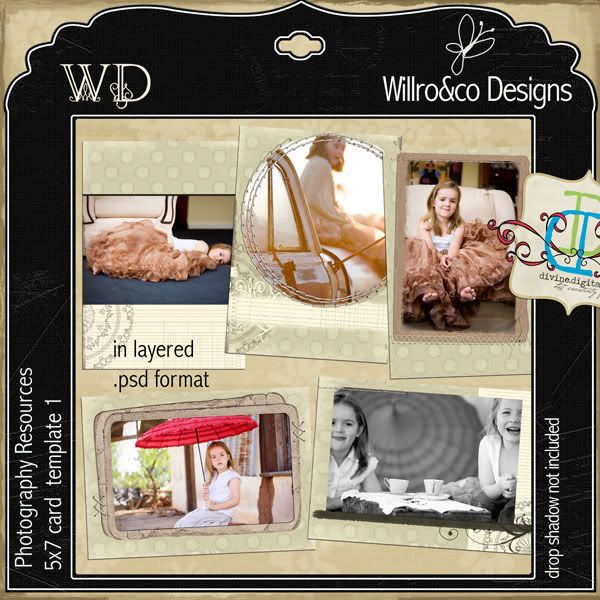
This is not a standard scrapbooking .png template. It contains a layered .psd file for a 5x7 card which can be altered to all the templates shown by adjusting the layers within the file. All papers and elements are provided as layers, with additional adjustment layers to modify the template to suit your photography customers. It includes the licence for photography studios to manipulate the template to taste and provide their clients with flattened files or prints. There are pdf instructions included to to show you how to modify the colours and textures of papers and elements. 3 variations on the card are shown, but there are many other variations possible. This product assumes a reasonable degree of knowledge in photoshop layers, adjustment layers and masks. This resources gives you the creative flexibility to make your paper work for your photo.
Other photography resources can be found at my Divine Digital or Faith Sisters shops
These are not standard scrapbooking .png templates. They contain layered .psd files for the templates shown. All papers and elements are provided as layers, with additional adjustment layers to modify the template to suit your customers. They allow you to sample colours from the photos that you are using and modify the template to suit that colour.
They include the licence for photography studios to manipulate the template to taste and provide their clients with flattened files or prints. There are pdf instructions included to to show you how to modify the colours and textures of papers and elements. They require a reasonable understanding of photoshop, layers, layer masks and adjustment layers to be able use them effectively.
They are available from my shops at Divine Digital in the link bar above.
There are freebie examples (such as this one) for you to see and have a play with here
Card Templates These card templates contain 1 .psd file with the arrangements shown grouped into folders. You can use them as you see here, or change colours, add/delete/move elements as required. Larger graphics of the cards are available in the shop link.
Album Templates
Contain 1 psd files with many page possibilities
Paper files
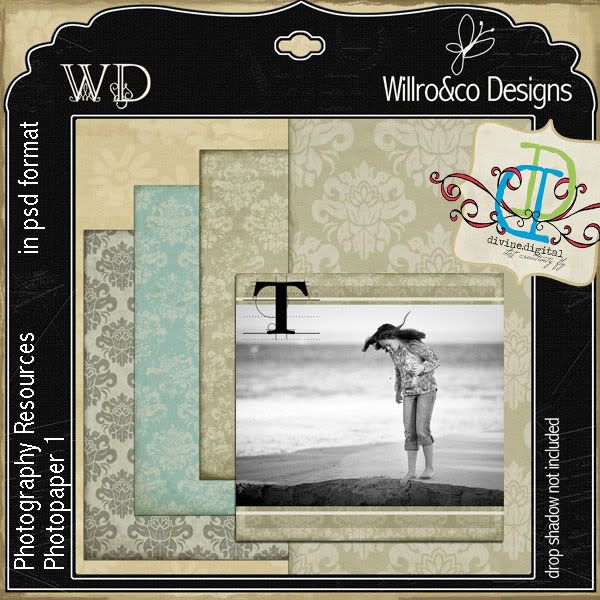
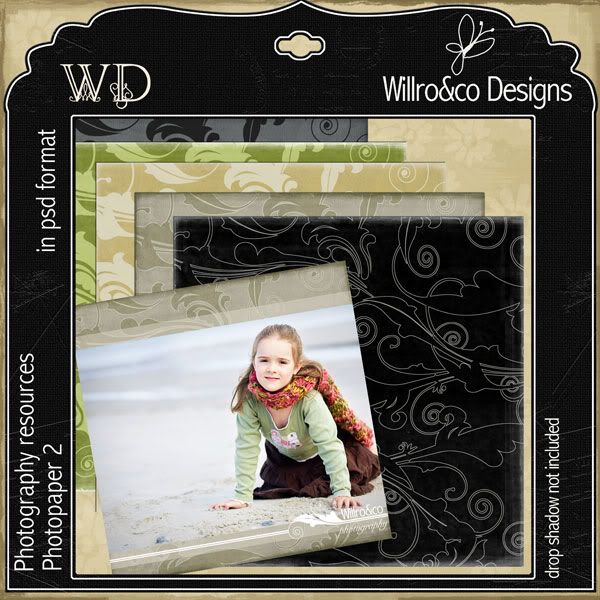
contain 1 .psd file. There are several basic examples illustrated of papers you could make - but there are many possibilities...
Storyboards
contain and adjustable background colours and patterns and borders
Based at Jervis bay on the NSW South Coast. I work as a physiotherapist, but also produce fine art photography and digital resources for photographers and scrappers. Please feel free to browse around my Divine Digital shop to see my digiscrap designs, or email me at rjfield@bigpond.net.au if you are interested in photography services.
Other great photographers to check out that may be close to you!